Loading...
 ClipTrendClipTrend
Loading...
Weird Monkey Dance AI is the ClipTrend template that recreates the viral TikTok "weird monkey" dance meme in a single click. The template ships with a locked quirky monkey character and a motion-control AI dance video generator workflow — upload a short dance reference clip (3–10 seconds of you, a friend, or any choreography video you have rights to use), press Generate, and the AI maps that motion onto the fixed monkey avatar while preserving full-body rhythm, camera framing, and the goofy personality the meme is built around. Because the monkey character stays locked every render, your dance is the only thing that changes — which is exactly why the meme reads as the same character copying different creators. The viral wave is big: the top five referenced clips on the template page alone add up to 297M combined views. Creators use the AI dance video generator to jump on the monkey trend without rigging or choreography work, ship reaction-style edits where the monkey copies a friend's dance clip, and produce daily meme Shorts with different source dances — ten fresh monkey dance videos in a single session. Output is a 9:16 vertical MP4 ready for TikTok, Reels, and Shorts with no reframing needed.
Create your own weird monkey dance AI video in one click. Upload a dance reference and let this free AI dance video generator animate the viral TikTok meme.
Weird Monkey Dance AI — Viral TikTok Video Generator
Upload a short dance reference clip (3–10 seconds) — it can be your own recording, a downloaded TikTok clip you have permission to use, or any viral choreography video. Clear framing of the dancer's full body gives the monkey dance AI the cleanest skeleton to copy.
Review the fixed monkey character preview in the left panel — it stays locked by design so every render features the same quirky monkey personality the meme is built around.
Leave the prompt field blank for the standard viral-style output, or add a short sentence describing set / lighting / outfit tweaks if you want a different look while keeping the monkey character.
Click Generate and watch the status pill update — the AI dance video generator typically renders a unique monkey dance clip in 60–90 seconds, depending on the reference length.
Preview the 9:16 vertical clip in the right panel, and if the motion transfer missed a specific beat or limb, press Regenerate to get a different take using the same reference.
Download the MP4 and upload to TikTok with #weirdmonkey #funnyai #aidance tags — the format is already vertical 9:16 so no reframing is needed.
Tap any question to expand.
Pick the Weird Monkey Dance AI template on ClipTrend, upload a short dance reference video (3–10 seconds), and click Generate. The AI dance video generator handles character identity and motion transfer automatically, producing a 9:16 vertical clip featuring the locked monkey character performing your reference dance.
ClipTrend's Weird Monkey Dance AI wraps a Kling motion-control pipeline with a locked monkey avatar — no other mainstream AI dance generator ships this exact viral-style template. Generic AI dance video generator tools like viggle.ai, media.io, and freebeat can animate dances but do not offer the specific quirky monkey character.
Yes — ClipTrend is pay-as-you-go with no subscription wall. A Starter credit pack for $11.99 lets you try the AI dance video generator across multiple monkey dance renders, at around 33 credits each at current pricing. Failed renders are refunded automatically, and there is no forced watermark on paid downloads.
An AI dance video generator reads a short reference clip, extracts the dancer's skeleton motion frame by frame, and re-renders that motion on a target character while keeping the character's identity stable. ClipTrend's template locks the character to the quirky monkey so only the dance motion changes between runs.
Absolutely — uploading your own dance clip is the whole point of the template. The AI then transfers your moves onto the weird monkey character, producing a one-of-a-kind monkey dance video featuring your choreography but the fixed monkey personality. This is the standard way creators use the template: record yourself.
Sort of — this template is motion-transfer (short video in, monkey dance out), so the cleanest way to make photo dance content is to first animate the still photo into a short 2–3 second reference clip (using an image-to-video template), then feed that clip into Weird Monkey Dance. If you only have a photo and no reference motion, use the AI Dance template instead — it is tuned to make photo dance shorts directly from a single still image without a motion reference.
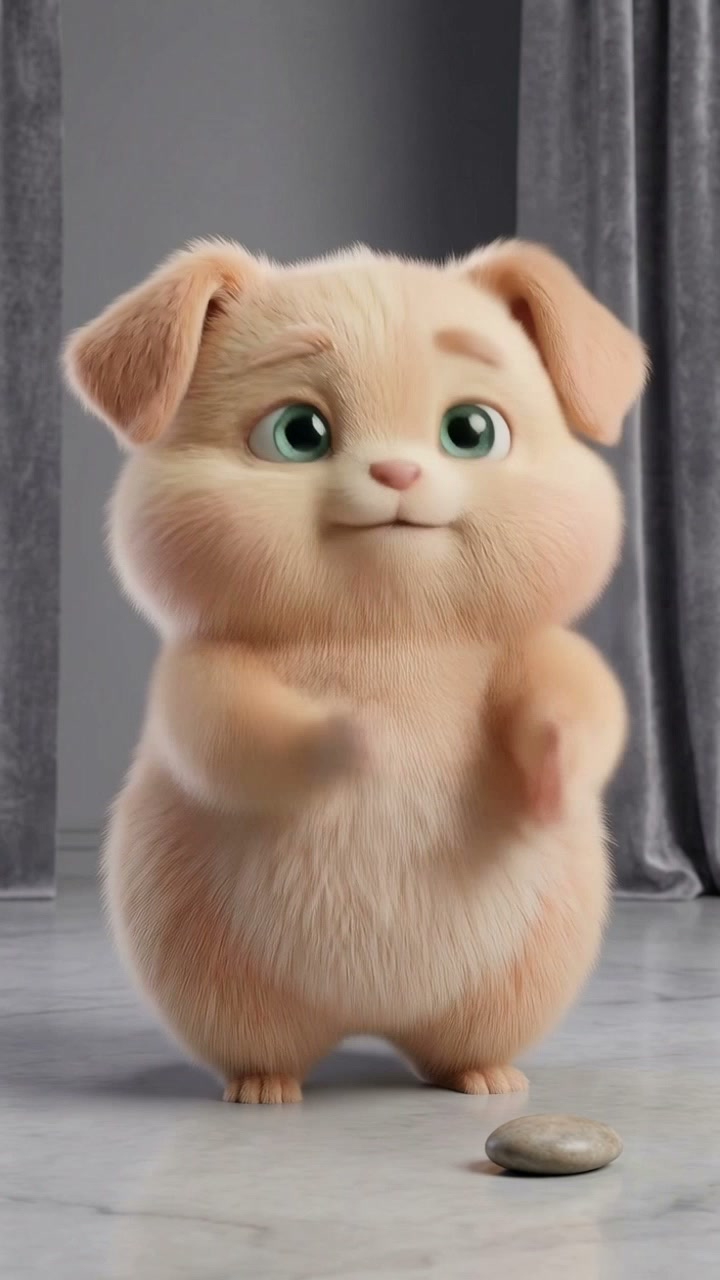
No — the character is locked to the weird monkey by design because the template targets the specific viral weird monkey dance meme. If you want to dance with a different animal character, check out the Fluffy Animal Dance template (cat, dog, panda, capybara variants), Kid Dance (baby characters), or Beauty Dance (full-body human characters).
The monkey dance meme is built on a locked, quirky character copying random creators' dances — the humor comes from seeing the same goofy monkey learn every choreography, trend, and TikTok challenge. It is an ai monkey dance video format where the character never changes, only the dance does. That repetition is what makes feeds pause, and it is why the top five clips stack up to 297M combined views. Our template recreates that exact format in one click.
Yes — chain two renders back-to-back to build a transform effect between routines: lock the monkey character, upload a dance A reference, generate, then swap the reference to dance B and generate again. Cut the two clips together with a one-frame overlap and you have a zero-VFX transform effect where the monkey shifts styles mid-video. Many viral weirdmonkey clips use this trick to stitch multiple dances into a single 15-second reel.